Your watch tracks the run. Your phone counts the steps. A cycling app logs the ride. The reason all of that can end up in one place — and power other apps — is a platform layer most people never think about: Apple Health on iOS and Google Health Connect on Android.
Understanding how these two hubs work is worth ten minutes of your life, because they decide which of your workouts "count" in every fitness app you use, and who gets access to your health data.
What these platforms actually are
Apple Health and Health Connect are not fitness apps — they're data hubs. Devices and apps write data in (a Garmin syncs a run, a gym app logs a session, the phone itself records steps), and other apps can read data out, but only the types you explicitly permit.
Apple Health has been built into every iPhone for years and is deeply wired into the Apple Watch. Health Connect is Google's equivalent on Android: a central permission layer that lets apps like Fitbit, Samsung Health, and Garmin share data with each other instead of living in silos.
What syncs where
- Apple Watch → Apple Health: workouts, heart rate, and activity flow in automatically, no setup.
- Garmin, Fitbit, and most major wearables → both platforms, via their companion apps' sync settings.
- Phone-only tracking → both: GPS workouts logged on the phone and step counts land in the hub without any wearable.
- Third-party training apps → most popular ones can write workouts into either hub if you enable it.
Permissions: the part worth reading slowly
Both platforms are permission-based and granular. An app can't see anything by default — it must request specific data types (workouts, heart rate, steps), and you approve or deny each one. You can also revoke access later in the Health or Health Connect settings, which is a habit worth having: audit the list occasionally and cut apps you no longer use.
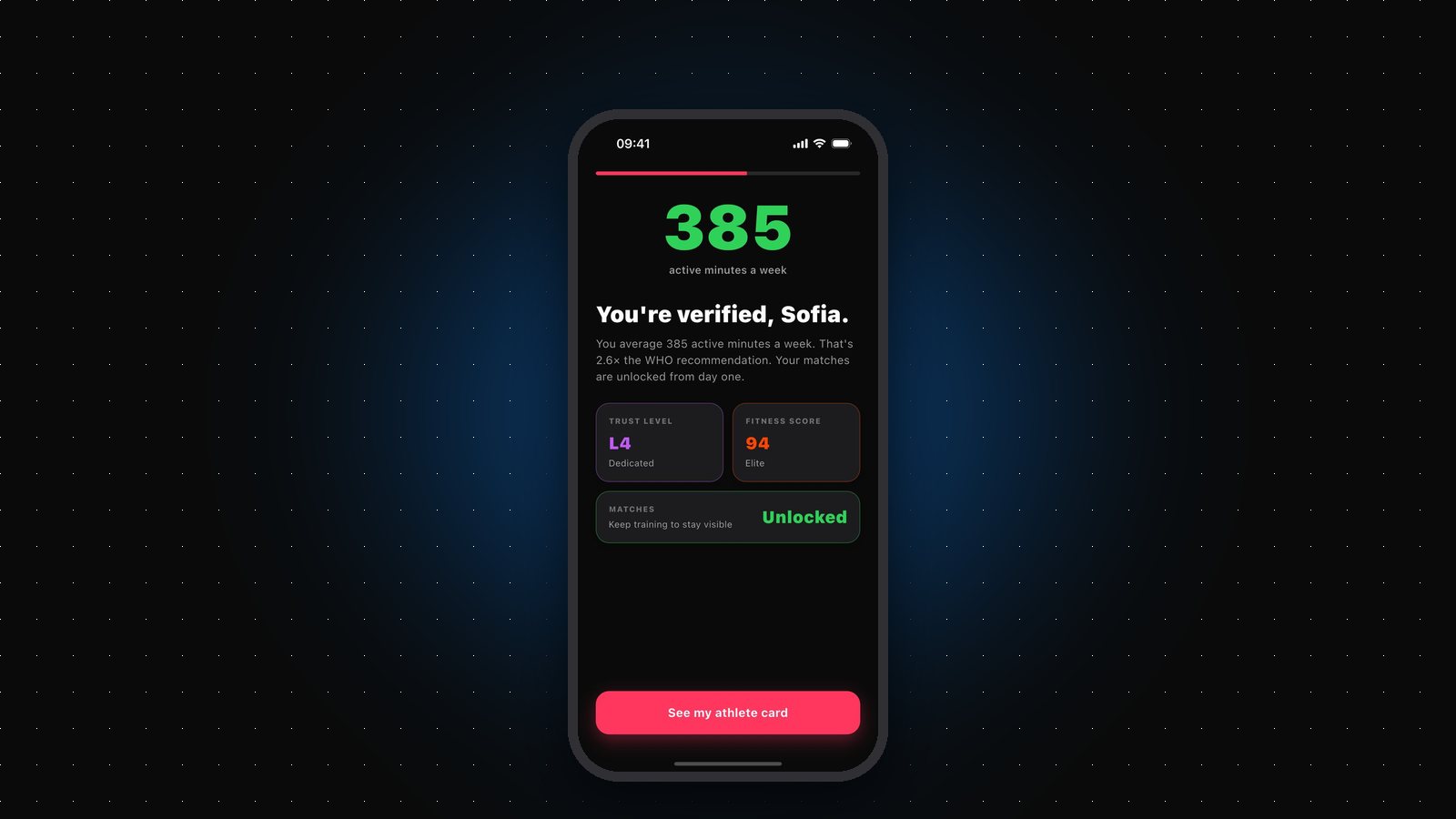
The important distinction is what happens after an app reads your data. The platform controls access; it doesn't control where the data goes next. That's on the app — which is why an app's privacy design matters as much as the permission screen. Gritvit, for example, reads workouts from Apple Health and does its scoring on-device: raw workouts, heart-rate readings, GPS routes, and step logs stay on your phone, and only summary numbers — your scores, weekly active minutes, whether you use a wearable, and personal-record totals — are saved to your profile.
Practical takeaways
If you're on iPhone, you barely need to do anything — Apple Health is already collecting, and any wearable's companion app can feed it. If you're on Android, install Health Connect if your phone doesn't ship with it, then enable syncing in your wearable's app so everything flows into one place.
Do that once and your training history becomes portable. Switch watches, switch apps, try something new — your data follows you, and every app that respects the platform's permission model can build on workouts you were already doing.